
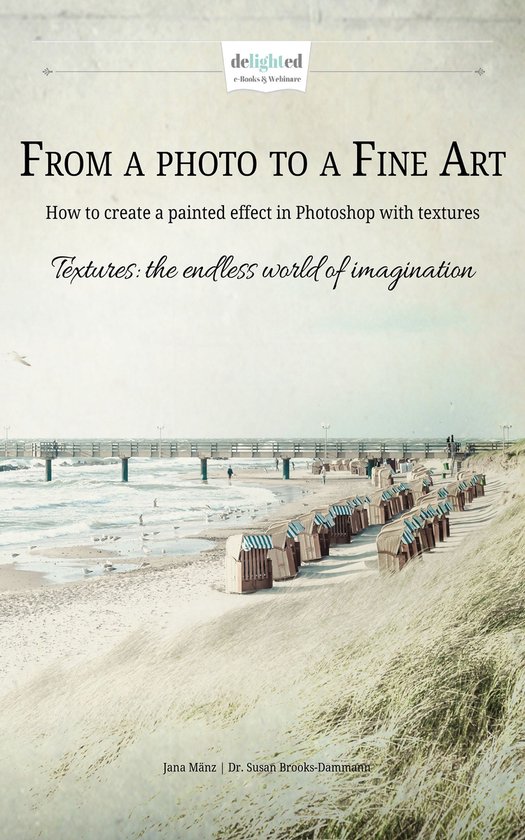
From a photo to a Fine Art
Jana Mänz
- 01 juni 2015
- 9783959265423
Samenvatting:
How to create a painted effect in Photoshop with textures
Textures: the endless world of imagination
We love textures. You too? Oh, of course you do! Definitely.
Don't you also admire those delicate, romantic floral images you find from time to time when browsing the web? Airy, light and incredibly fragile formations - impossible to find something like this in the nature. Those formations look like paintings but they are not. They are photographs.
As well, the romantic ocean views evoke our longing for the sea and the beach. Still, other photos that look as if they had sprung from the distant past. Painted on canvas, painted on wood, painted in times of the romantics.
As different as all those pictures may be, they have two things in common: First, they are layered with one or more textures and digitally retouched. Secondly, the intention was not to improve the picture, to let it look “like it was“, but to transform an imagined reality into visible truth.
Before pictures can turn into art, the question of “How do I work with textures at all?” presents itself. Because art and skill are invariably linked, and skill is derived from knowledge, the first requirement you have to attain is this knowledge.
But you don't have to reinvent the wheel. That's the reason why we created this little e-book for you. We have compiled lots of tips, inspiration, a step-by-step-guide and interviews on the topic of “texture”.
Content
- Introduction
- Knowledge: Textures in arts
- Nora Peinzger Artworks
- Why we use textures?
- Which subject is qualified for textures?
- How do you find suitable textures?
- Quality of the textures
- Layer functions and other useful tools
- Preparative image editing
- Step by step for beginners: Your first texture – Photoshop tutorial with pictures and textures
- Step by step tutorial for advanced: A complex layer-composition with textures
- Interview Bea Rautenberg, “Mixed Media Photography” artist
- How to: Black Beauty – dark textures
- The sensual, emotional moment
- How to create own textures and were to find textures?
- Closing Word
- Blending Modes in Photoshop
- Link tips