
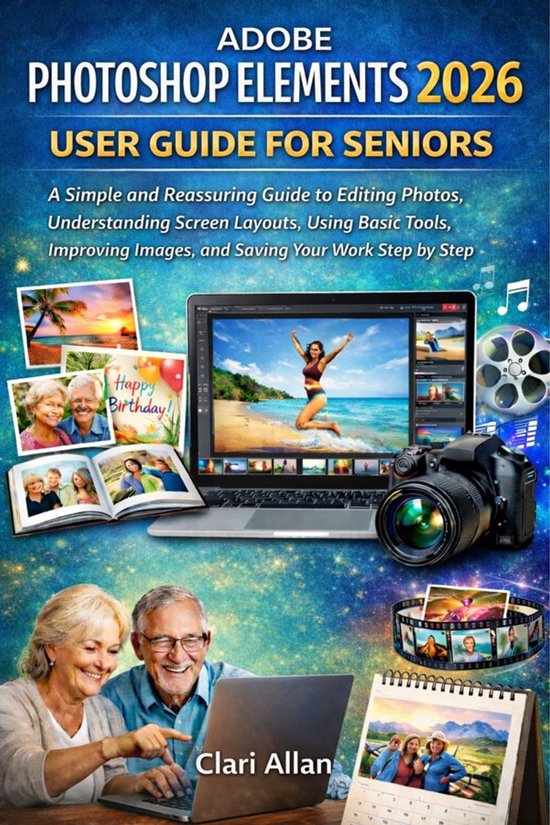
Adobe Photoshop Elements 2026 User Guide For Seniors
Clari Allan
- 04 februari 2026
- 9783695224470
Samenvatting:
Are you a senior or beginner struggling to make sense of photo editing software? Do you find yourself overwhelmed by countless buttons, confusing menus, and technical jargon? Have you ever wished you could organize your photos, enhance them like a professional, and create stunning projects without frustration?
If you answered “yes” to any of these questions, this book is exactly what you need.
Adobe Photoshop Elements 2026 User Guide for Seniors – A Simple and Reassuring Guide to Editing Photos, Understanding Screen Layouts, Using Basic Tools, Improving Images, and Saving Your Work Step by Step
Whether you want to turn ordinary photos into professional-looking images, make memorable collages, slideshows, greeting cards, or even videos, this guide covers everything. From installation and setup to advanced tips, tricks, and troubleshooting, every chapter is designed for beginners and seniors who want to learn without stress.
Inside this guide, you will discover:
- How to organize hundreds or thousands of photos so you can find memories instantly.
- Step-by-step instructions for editing photos like a pro—cropping, adjusting brightness and color, removing blemishes, and more.
- How to create beautiful projects: collages, greeting cards, slideshows with music, photo books, and calendars.
- Secrets to enhancing creativity with filters, effects, and layers while keeping your originals safe.
- Time-saving shortcuts, tips, and best practices specifically tailored for seniors.
- Solutions for common issues, including program errors, missing tools, performance problems, and more.
- Guidance on sharing and printing your creations, so your memories can be enjoyed by friends and family.
Benefits of this book:
- Save time and frustration by following clear, step-by-step instructions.
- Gain confidence using technology, even if you’ve never edited photos before.
- Preserve your precious memories with organized, polished, and professional results.
- Create personalized gifts and projects that will impress family and friends.
- Learn at your own pace with senior-friendly guidance, tips, and tricks.
Don’t let confusion or fear hold you back. Transform your digital photos into unforgettable memories. With this guide, you’ll discover that photo editing can be fun, creative, and stress-free, no matter your experience level.
Get your copy now and start creating stunning photos and projects today!