
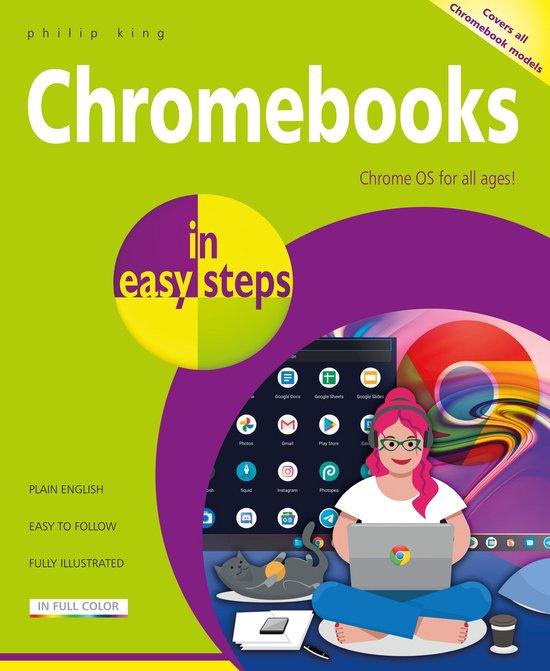
In Easy Steps - Chromebooks in easy steps
Philip King
- 03 maart 2022
- 9781840789706
Samenvatting:
Chromebooks in easy steps illustrates all the clever features of this versatile, budget-friendly alternative to a Windows laptop or MacBook. Covering all Chromebook models, it:
- Demystifies what a Chromebook is and how it differs from other types of laptops and tablets.
- Shows how to get your Chromebook up and running in no time.
- Guides you through the Chrome web browser, Gmail and other key apps such as Docs, Sheets, and Slides.
- Reveals how to make video calls using a variety of services, to stay in touch with friends and family.
- Shows how to connect your Chromebook to external devices including printers.
- Demonstrates how to upload and organize your photos, videos, and documents in the Cloud.
- Covers how to make documents available offline when you don’t have an internet connection.
- Guides you through how to watch TV and movies, and how to download and use Android apps and games.
- Provides guidance on maintenance and troubleshooting.
Ideal for anyone new to the Chromebook, including Senior readers.
Table of Contents:
- Introducing Chromebooks
- Getting Up and Running
- Navigating the Chrome OS Desktop
- Keyboard and Touchpad
- Using the Chrome Browser
- Communicating with Gmail
- Google Drive
- Office and Productivity
- Media and Entertainment
- Adding and Managing Apps
- Video Calling
- Casting and Connecting
- Maintenance and Troubleshooting
€ 15,01
Bestel bij Bol.com >