
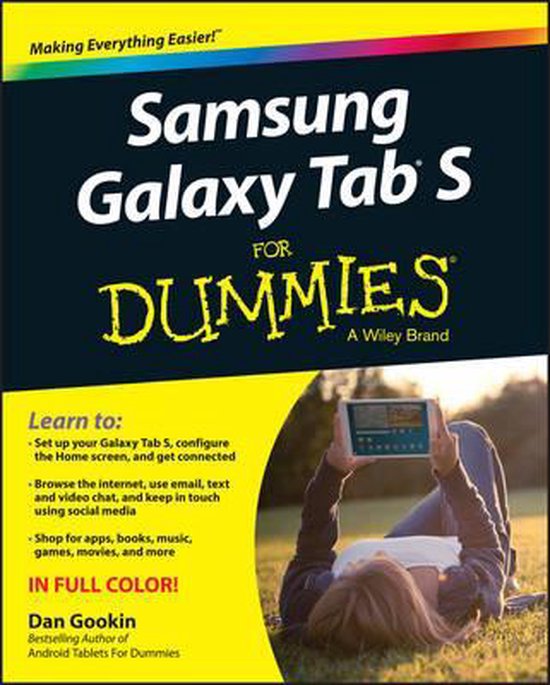
Samsung Galaxy Tabs For Dummies 2 E
Dan Gookin
- 02 juni 2015
- 9781119005742
Samenvatting:
Explore your Galaxy Tab S with an expert tour guide at your side
Samsung Galaxy Tab S For Dummies is a user–friendly guide to getting the most out of your new tablet.
Learn to:
- Set up your Galaxy Tab S, configure the Home screen, and get connected
- Browse the internet, use email, text and video chat, and keep in touch using social media
- Shop for apps, books, music, games, movies, and more
Get up to speed in a flash with an expert tour of the Samsung Galaxy Tab S
Learn the ins and outs of your Samsung Galaxy Tab S with this easy–to–read guide. You′ll discover everything you need to know to navigate your tablet like an expert, from browsing the web, using social media, and making Skype phone calls to snapping great pictures, going places with the Maps app, and playing music, movies, and games!
- The galaxy in your hands ? set up your Galaxy Tab S, charge the battery, and get a Google account
- Navigating through the galaxy ? get acquainted with your new tablet by exploring basic operations, navigating the touchscreen, using widgets and apps, and more
- Let′s communicate ? stay connected with the Galaxy Tab S address book, the Contacts app, and email
- What a tangled web ? experience the web with mobile browsing, bookmarks, sharing pages, downloading files, and setting a home page
- Livin′ la vida digital ? take your social media to the next level by maneuvering the Facebook app, sending out tweets, and using a host of other social networking tools
- Your wireless life ? get a leg up with wireless networking wizardry by activating Wi–Fi and Bluetooth
Open the book and find:
- The down–low on finding your way around the Galaxy Tab S
- How to create a Google account and get acquainted with Android
- Tips for using the Galaxy Tab S touchscreen options
- The skinny on adding, sorting, and searching for contacts
- How to use your tablet for email and web browsing
- Tricks for taking your social media world to the next level
- Useful ways to use maps and navigation
€ 25,83
Bestel bij Bol.com >