
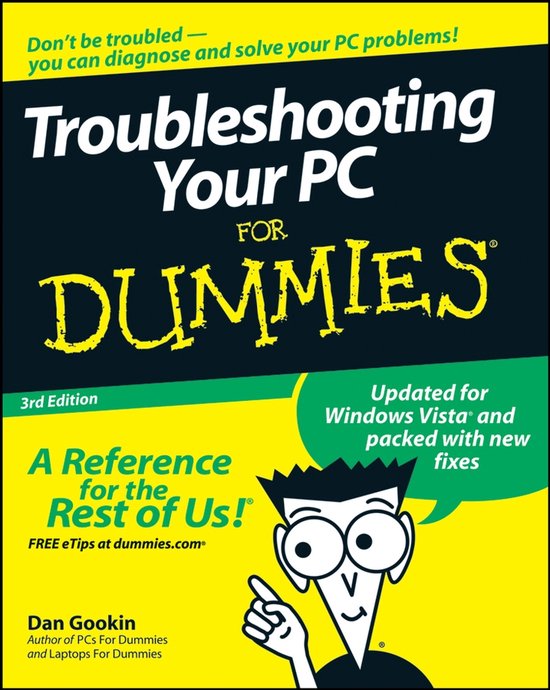
Troubleshooting Your Pc For Dummies
Dan Gookin
- 29 februari 2008
- 9780470230770
Samenvatting:
Troubleshooting your PC isn’t as hard as you think. In fact, with a little help from Troubleshooting Your PC for Dummies, 3rd Edition, you can save yourself lots of time, money, and headaches by diagnosing and fixing those snags, glitches, and predicaments that would otherwise drive you crazy.
Find out what to do when good PCs go bad
See how to test for problems, find the causes, and get back in business
Don′t be paralyzed by PC paranoia! Dan Gookin has been making PC hardware, software, and operating systems behave for years. This step–by–step guide answers your questions about getting out of PC predicaments, recognizing when you′re headed for trouble, keeping Vista on the straight and narrow, and even preventing problems down the road.
Discover how to:
-
Remove documents from the File menu
-
Recognize warning signs of hard drive failure
-
Stop a program that′s misbehaving
-
Reclaim missing Internet passwords
-
Determine whether it′s a hardware or software problem
Troubleshooting your PC isn’t as hard as you think. In fact, with a little help from Troubleshooting Your PC for Dummies, 3rd Edition, you can save yourself lots of time, money, and headaches by diagnosing and fixing those snags, glitches, and predicaments that would otherwise drive you crazy. Bringing a touch of humor and a strong dose of sanity into play PC expert Dan Gookin makes it easy!
This fully updated edition features new and expanded coverage of laptop woes as well as Internet and e–mail issues, broadband connections, spam blocking, and security concerns. You’ll find answers to all of your questions about getting out of PC pickles, recognizing when you’re headed for trouble, keeping Vista on the straight and narrow, creating a safe and secure PC environment, and even preventing problems down the road. Discover how to:
- Remove documents from the file menu
- Recognize warning signs of hard drive failure
- Stop a program that’s misbehaving
- Reclaim missing Internet passwords
- Distinguish hardware problems from software problems
- Mediate conflicts between Windows and your applications
- Solve startup problems
- Diagnose email calamities
- Troubleshoot Internet connection malfunctions
- Understand puzzling error messages
Complete with lists of essential rules of tech support and things you should never or always do, Troubleshooting PCs For Dummies, 3rd Edition, gives you the tips, tricks, and solid knowledge you need to keep your PC healthy and strong for years to come.