
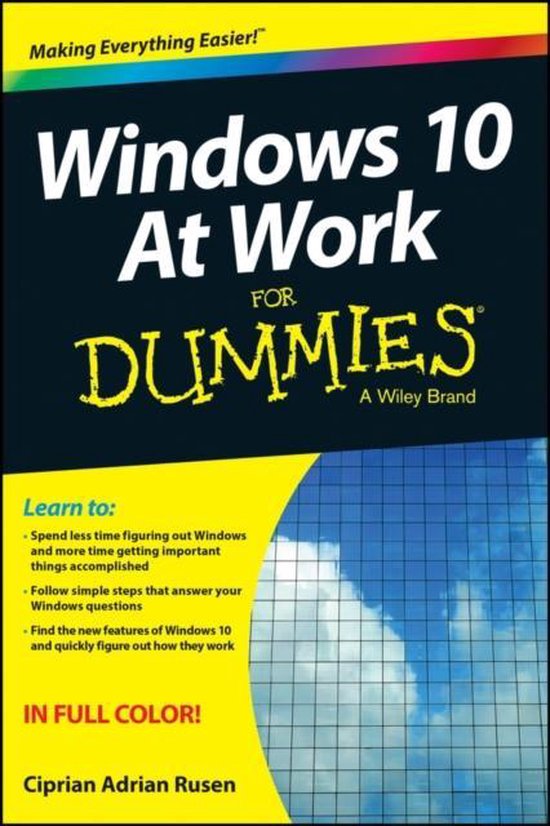
Windows 10 At Work For Dummies
CA Rusen
- 23 oktober 2015
- 9781119051855
Samenvatting:
The fast and easy way to get up and running with Windows 10 at work If you want to spend less time figuring out Windows and more time getting things accomplished, you've come to the right place.
Learn to:
- Spend less time figuring out Windows and more time getting things done
- Follow simple steps to answer your questions
- Apply tips that make Windows 10 speed up your work
No time for a complete Windows 10 course? Get just what you need to knownow!
You've got work to do, and you don't want to waste time trying to figure out all the new Windows 10 stuff. This fully illustrated guide is exactly what you need! Here you'll find all the common workday Windows tasks with step-by-step instructions, from signing on to using Skype to connecting remotely to your company's network using VPN. Find what you need and get it done!
- A quick meet-and-greet learn to set up and sign into Windows 10, use the new Start menu, and work with touch settings
- Get connected connect to Wi-Fi, adjust the settings, browse the web, manage downloads, and disable cookies
- Manage your files use File Explorer, create shortcuts, archive files, and customize the Quick Access toolbar
- The apps you need most create shortcuts to your favorite apps and pin them to the taskbar
- Safety first secure data with BitLocker, share files safely, and protect your privacy
Open the book and find:
- How to work with multiple app windows at the same time
- Advice on how to manage and find your files
- How to take notes at work using OneNote
- Tips for customizing the taskbar and the Start Menu
- Ways to connect remotely when you're traveling
- How to be productive using tools like OneDrive and Skype
- Ways to create different Desktops for different tasks
- Tips for protecting your privacy and enhancing security
- Directions for fixing common Windows 10 problems
€ 21,80
Bestel bij Bol.com >