
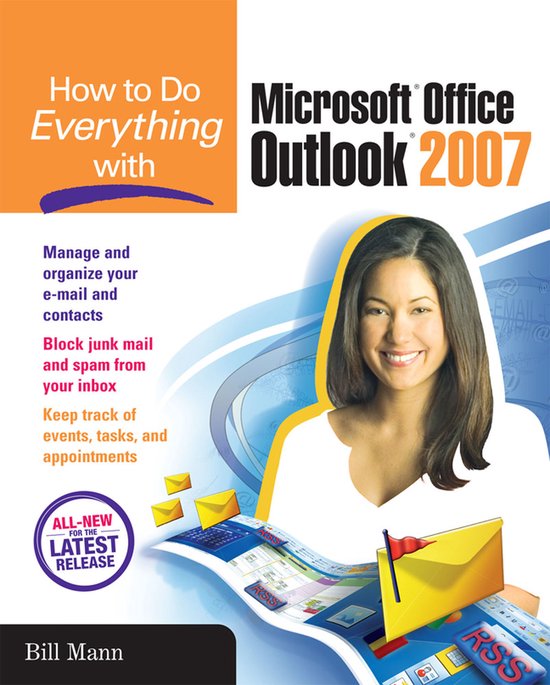
How To Do Everything With Microsoft Office Outlook 2007
Bill Mann
- 16 februari 2007
- 9780072263381
Samenvatting:
Helps you use the Outlook - the digital communication solution. This title covers the features available in Outlook 2007. It teaches how to manage and organize e-mail, your calendar, and contacts. It covers topics such as integrating Outlook with other Microsoft applications, filtering junk e-mail, and archiving messages.
Publisher's Note: Products purchased from Third Party sellers are not guaranteed by the publisher for quality, authenticity, or access to any online entitlements included with the product.
Get the most out of the all-new release of Outlook
Centralize communications and schedule management with Outlook 2007 using this easy-to-use guide. Get a quick tour of new and updated Outlook features, including the redesigned interface, then dig into managing your e-mail; recording and tracking appointments and upcoming events; integrating with other Office applications; and much more. With valuable tips on customization, security, and mobilizing your Outlook data, this is a must-have resource for every Outlook 2007 user.
- Navigate the new interface and learn keyboard shortcuts
- Manage multiple e-mail accounts, create folders, and automate mail handling
- Learn advanced e-mail management strategies, such as intelligent grouping, filtering, and Color Categories
- Create Tasks and To-Do items and use the To-Do Bar
- Create search folders, plus manage and archive information
- Navigate the Notes and Journal functions
- Customize the user interface, including toolbars and menus
- Secure your account and block junk mail and spam
- Mobilize your Outlook data so you can stay connected while on the road
- Use Outlook with Microsoft Exchange and SharePoint Services
- Connect Hotmail and Gmail accounts to Outlook