
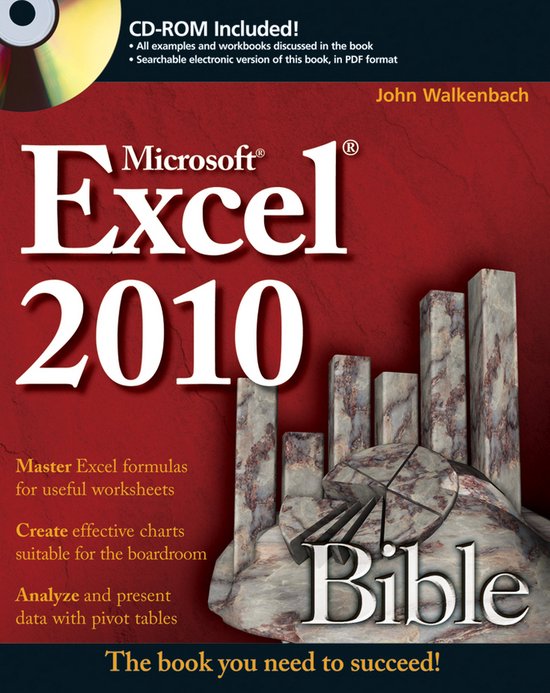
Excel 2010 Bible
J Walkenbach
- 11 mei 2010
- 9780470474877
Samenvatting:
A comprehensive reference to the newest version of the world s most popular spreadsheet application: Excel 2010 John Walkenbach's name is synonymous with excellence in computer books that decipher complex technical topics. Known as "Mr.
"John Walkenbach's writing style makes the difficult seem easy in this book that can be used as a reference or read cover to cover. You won't find a more comprehensive book on Excel 2010 than this!"
— Dick Kusleika, Microsoft MVP, DailyDoseOfExcel.com
If Excel can do it, John Walkenbach can show you how
What better way to learn Excel 2010 than from "Mr. Spreadsheet" himself? Excel guru, Microsoft MVP, and author of all the previous top-selling editions of Excel Bible, John Walkenbach provides more than 1,000 pages packed with techniques, tips, and tricks for beginners as well as Excel power users. Discover what's new in Excel 2010, learn shortcuts you didn't know, make the Ribbon interface work for you, and master all the latest ins-and-outs with this must-have guide.
-
Get up to speed on everything new in Excel 2010
-
Understand functions, charts, worksheets, and workbooks
-
Perform magic with array formulas—and even more with Sparklines
-
Master "what-if" analysis, Goal Seeking, external database files, and pivot tables
-
Develop custom functions, program with VBA, and create UserForms
-
Try new slice-and-dice tools to dynamically filter your data
What's on the CD-ROM?
Follow the examples in the book, chapter by chapter, using the bonus materials on the CD-ROM:
-
All the examples and workbook files used in the book
-
Searchable PDF of the book
System Requirements: See the CD Appendix in the book for details and complete system requirements.
- Preview how your copied text will look
- Spot trends in your data with Sparklines
- Chart your data using Excel's different chart types
- Master Excel formulas for useful worksheets
- Create effective charts suitable for the boardroom
- Analyze and present data with pivot tables